



taying connected has never been more important. Smartphones, tablets and laptops have become an integral part of our daily lives — so much so that, when something goes awry, many RV owners have to reach for their anti-depressants. We’re just plain obsessed with watching the bars on our devices showing reception strength — and when nothing or just one appears, we tend to shudder. Shockingly, given all the advancements in technology, the number of service providers and, of course, the staggering number of customers, not all places have cell towers within range. Consequently, we cuss at our devices, go running up hills or to clear areas to find better signals or, in many cases, just give up the ghost.
In a world where someone builds something and someone else builds something to make it work better, Wilson Electronics’ weBoost can provide a welcome respite for RVers who need to stay connected, whether for professional or social reasons. The weBoost name has pretty much become synonymous with cell boosting equipment, and its new Drive Reach RV cell booster is one product in the company’s lineup that is a “must have” for RV travelers, especially those who stray from large urban areas.
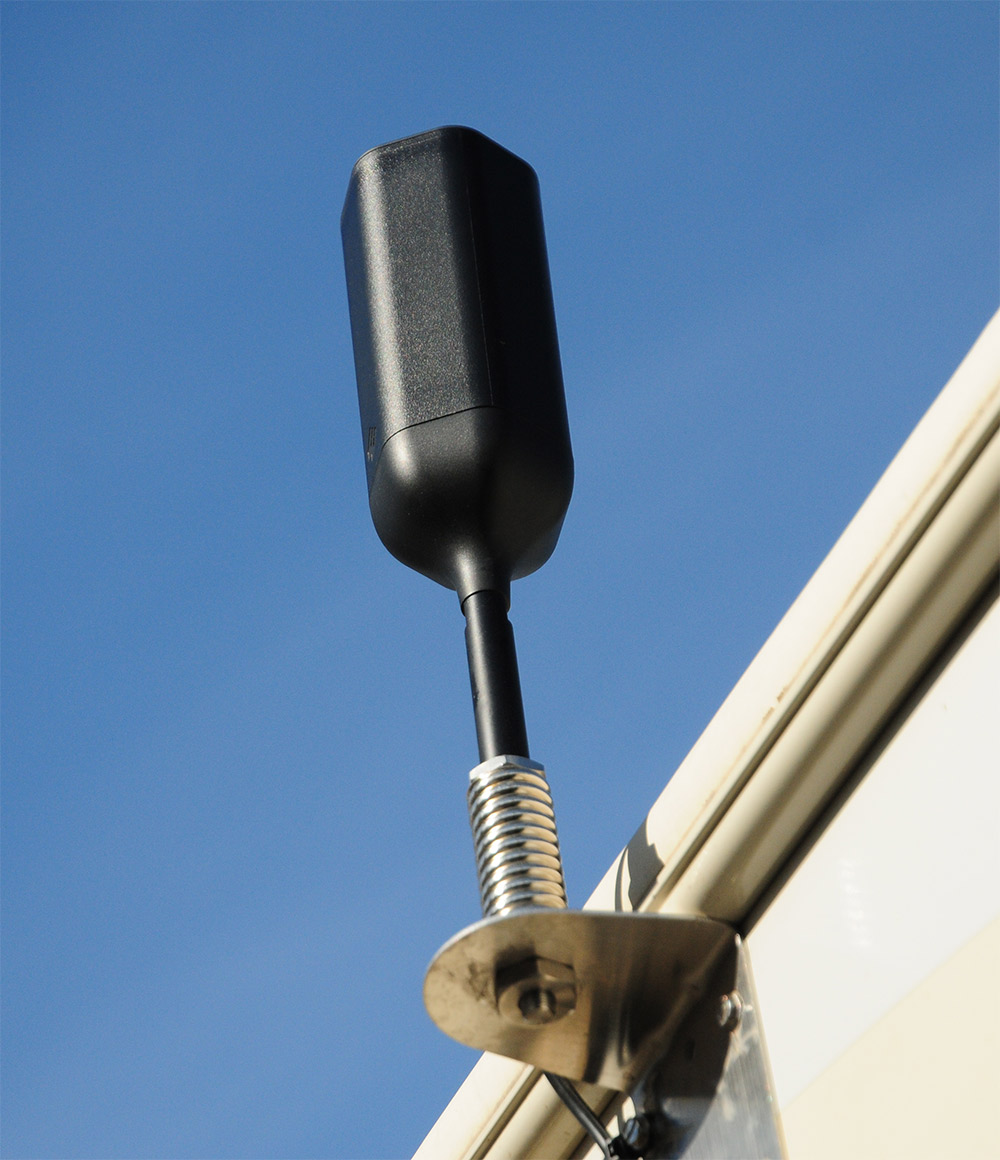
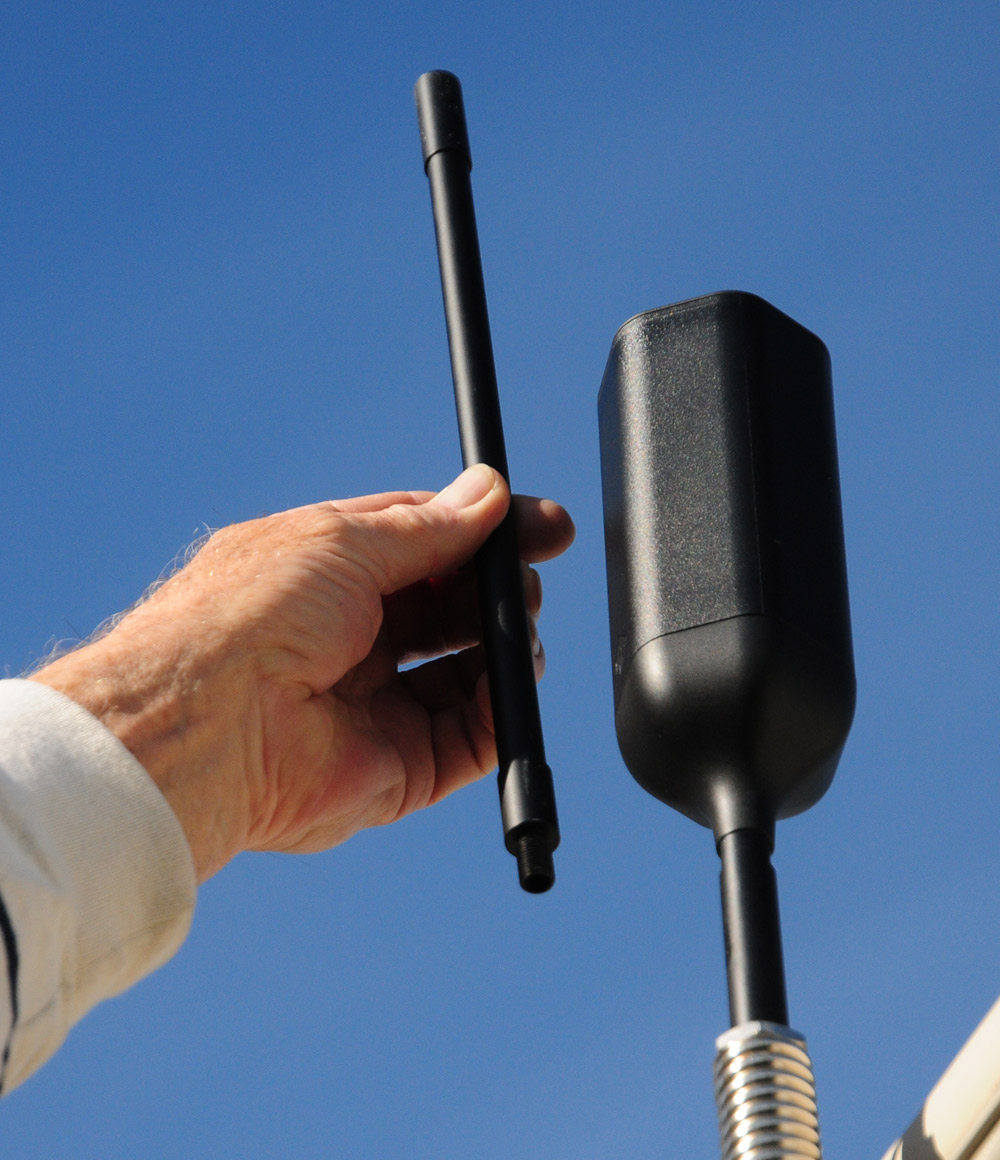
The weBoost is capable of strengthening 4G, LTE, 3G and now 5G signals. The Drive Reach RV boasts uplink output power capabilities of 29.5 dBm and 50 dB gain – the maximum allowable gain under Federal Communications Commission (FCC) standards — and can be used by multiple family members or friends while in an RV park or on the go. The booster is compatible with all U.S. service providers and can be used with any phone or cellular device. For those RVers who stay put for longer periods of time, the company offers its Connect 65 model with an antenna that is placed on a 25-foot mast. It provides additional signal boosting, which will improve service from more remote towers, but is not practical for RVers who travel and want uninterrupted performance while on the road.
Installing the Booster
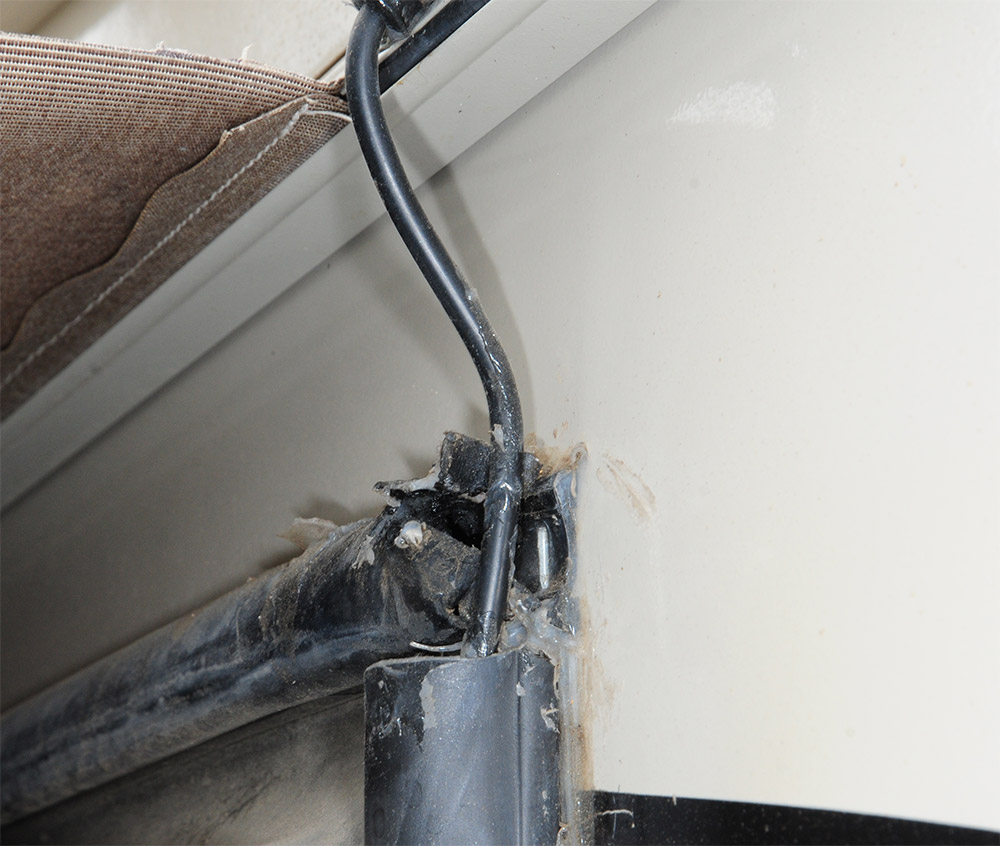
There are a number of options for installing the system, including one that requires drilling a hole in the roof or sidewall to route the cable. We chose to pass on the latter option, but those who have no choice because of location necessity can use the provided cover plate where the cable enters the roof.
Provided with the weBoost kit is all the hardware for mounting the antenna to the roof, sidewall or ladder. This gives the installer a number of options; in our case, we mounted the bracket to the sidewall of the fifth-wheel. The process was easy and, in this case, plenty of sealant was used to prevent any water intrusion. There is an exact order to mounting the antenna to the bracket to allow for proper cable management. A 13-inch mast extension is provided in the kit, which can be used to extend the height of the antenna. Just make sure it doesn’t extend above the legal height limit for roadways, however; 13 feet, 6 inches is a safe number.
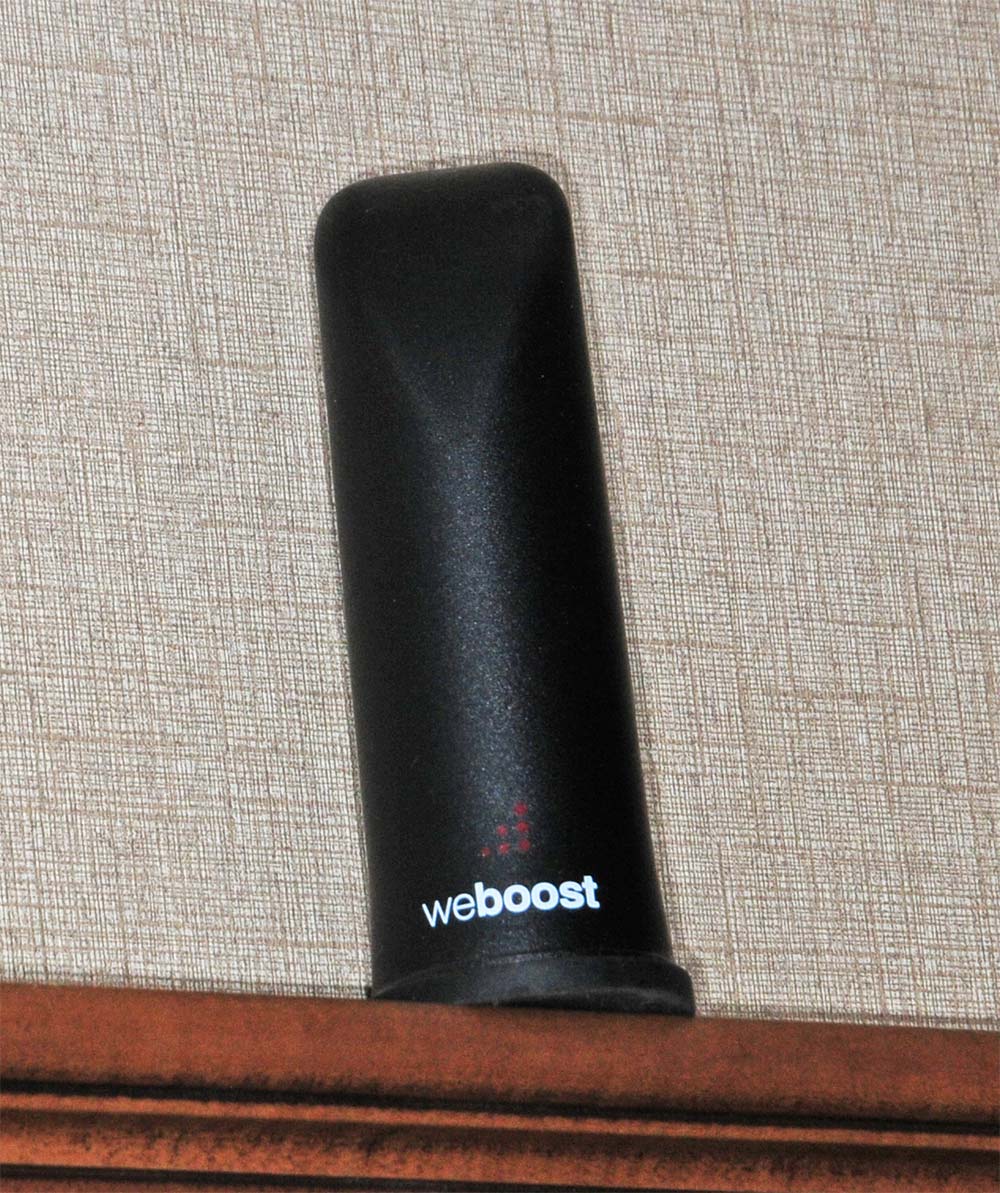
Once the booster was connected to the antenna cable and 120-volt AC power, the inside antenna was moved to a suitable location near the phone or other cellular device. A 13-foot RG-58 cable is provided to connect the inside antenna to the booster box; this antenna should be placed within 4-10 feet of the cellular device for best reception. For this installation, the inside antenna was set on the wood slide-out decorative molding and moved closer to the phone when necessary. When traveling, the inside antenna stores in the adjacent cabinet to the one with the booster box. Motorhome owners will likely mount the inside antenna in a logical place for use while on the road.


The short answer is “yes.” Boosters do not create a signal — they pick up the outside signal and amplify it. The closer the tower is to the RV, the better the performance. Therefore, the amount of boost is changeable with location, terrain and obstructions. Fortunately, the outside antenna is omnidirectional, which makes it unnecessary to physically point at the tower, since most owners will have no idea where that is. Keep in mind that if you are deep in the “boonies,” the nearest tower might simply be unreachable. Fortunately, that doesn’t happen too often. Besides, those addicted to their cellular devices will not stick around too long if there are no bars showing.
The Drive Reach RV outperformed the Drive X RV in all areas, making it a logical choice for RVers who love to stay in touch. During our testing of the Drive Reach RV, there was a significant improvement — enough, in many cases, to make data more usable for Internet functions. In areas where reception teetered back and forth between “no service” and one bar, the booster helped with dropped calls. The booster is a great asset for RV travelers, putting on happy faces for those with little patience for connecting to the Internet.